Campaigns and promotions that turn into bookings
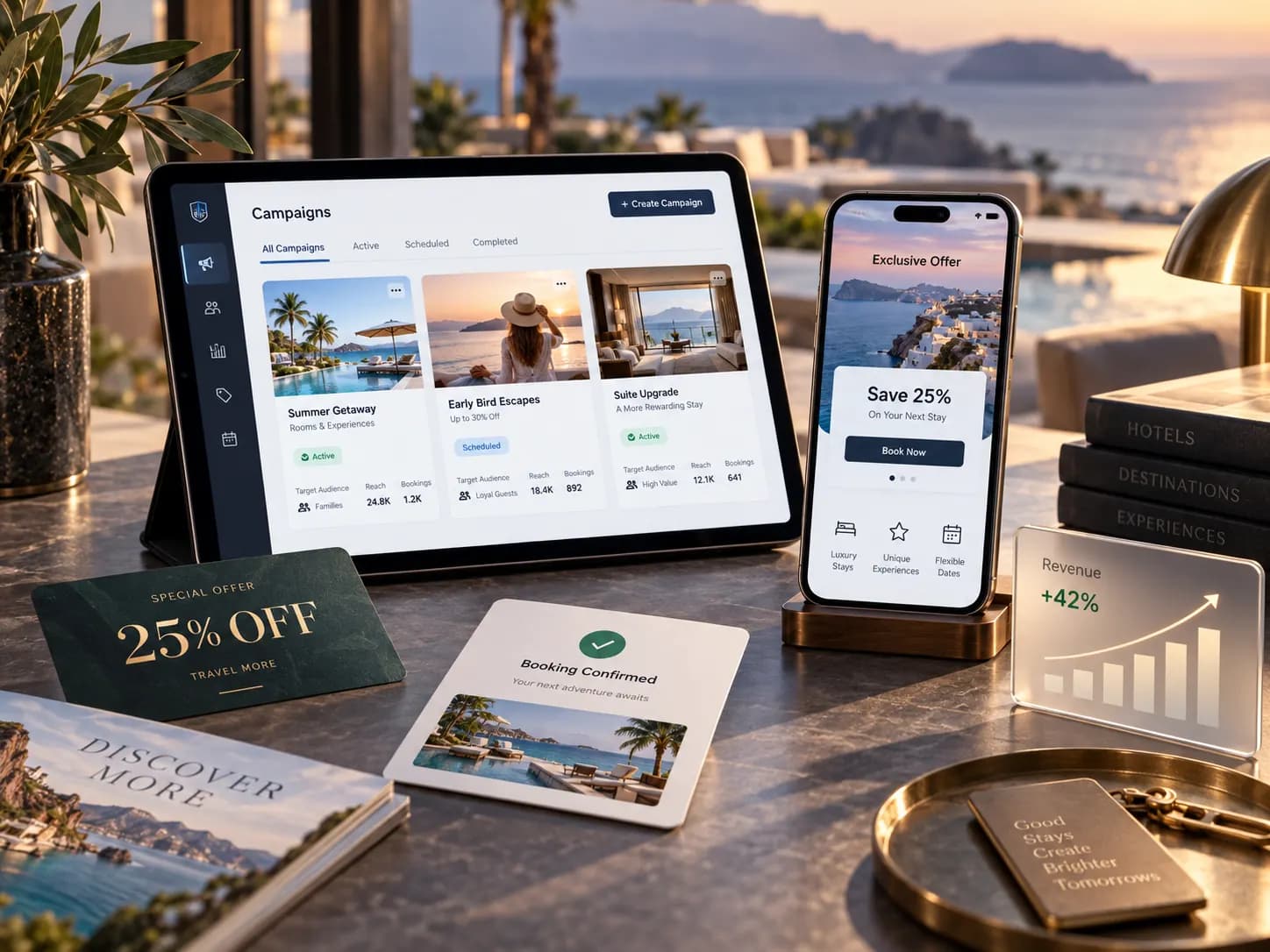
What the module does
WhatsApp campaigns start with an audience preview, so you see who will receive the message before you launch. Once live, a campaign can be paused, resumed or cancelled, and its stats and unsubscribes are tracked.
Promo codes are managed in one place with their usage tracked, and agents apply them to a client's basket at checkout. Promo banners, including a flagship banner, are ordered the way your storefront should show them.
Key features
Audience preview
See exactly who a WhatsApp campaign will reach before you launch it.
Launch, pause and resume
Launch, pause, resume or cancel a campaign at any point.
Stats and unsubscribes
Track each campaign's results and honour unsubscribes automatically.
Promo codes
Create promo codes and track how often each one is used.
Applied at checkout
Apply promo codes to the client's basket when it is confirmed.
Promo banners
Manage promo banners, including a flagship banner and their order.
Can we check a campaign's audience before sending?
Yes. Every campaign shows an audience preview before launch, and you can pause or cancel it once it is running.
How are promo codes applied?
Agents apply the code to the client's basket at checkout, and every use is tracked against the code.
Who can manage message templates?
Managing WhatsApp templates is a separate permission, so only the people you choose can change them.